Hi everyone!
Another year has passed and here we are with our 2023 Sustainability Report! In this post you’ll find an update about how 2023 went for Freesound in terms of sustainability, and also we’ll let you know about our plans for 2024. Most of the information in this post is very similar to that of previous years, but you might still find it interesting :). The report is split in a number of sections discussing specific aspects that contribute to the sustainability of Freesound, and a final section with a summary, conclusions and future perspectives.
Sound contributions
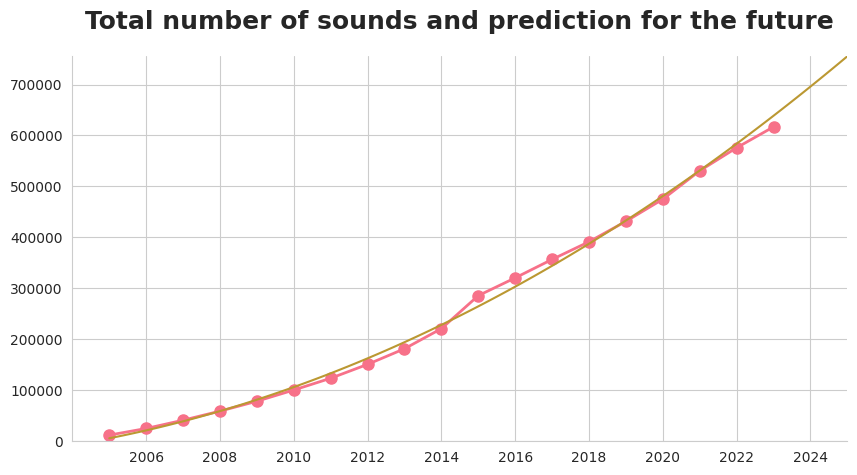
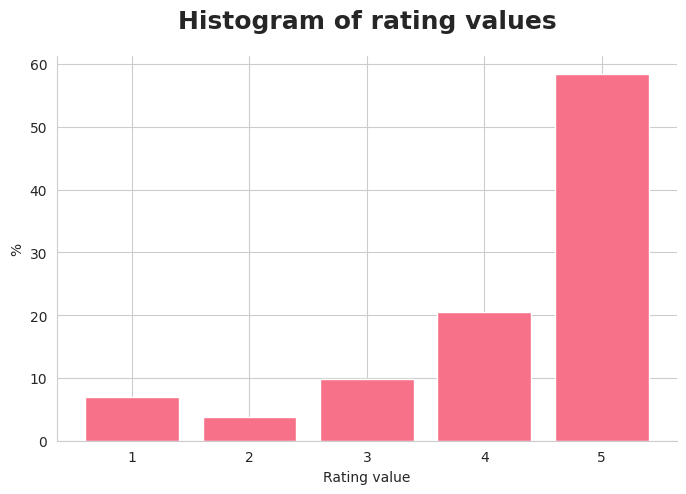
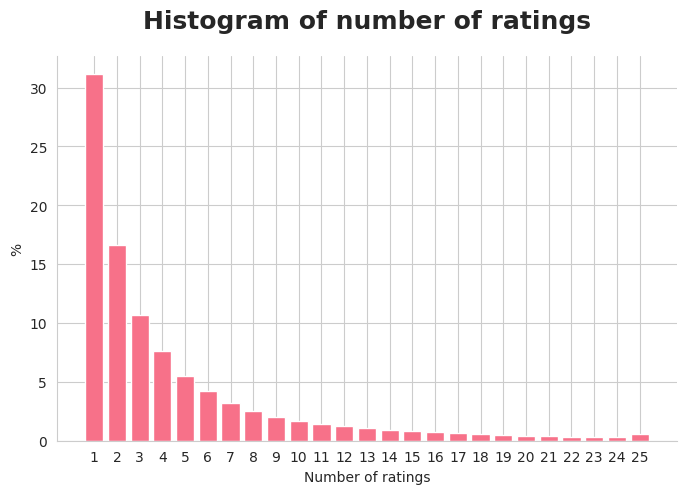
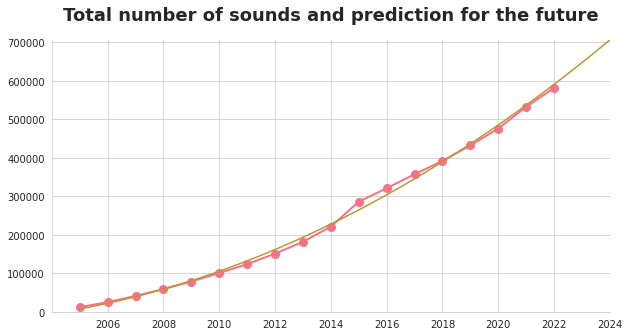
Sound uploads are an essential part of the sustainability of Freesound. In 2023, 40,940 new sounds were uploaded to Freesound (which corresponds to 1,134 hours of audio). Even though the number of new sounds is slightly lower compared to the previous year, the actual number of hours of audio has increased (70 more hours). Last year we surpassed the 600k sounds mark, and we don’t foresee any problems for Freesound in terms of sound contributions. In addition to the number of uploaded sounds, it is also worth mentioning that 2023 saw a 16% increase in the number of sound ratings (226k), which we believe should be attributed to the deployment of the new UI and the way in which rating widgets are displayed. If you’re curious about these kinds of stats, you can check the 2023 in numbers blog post which was published a couple of months ago.
User donations
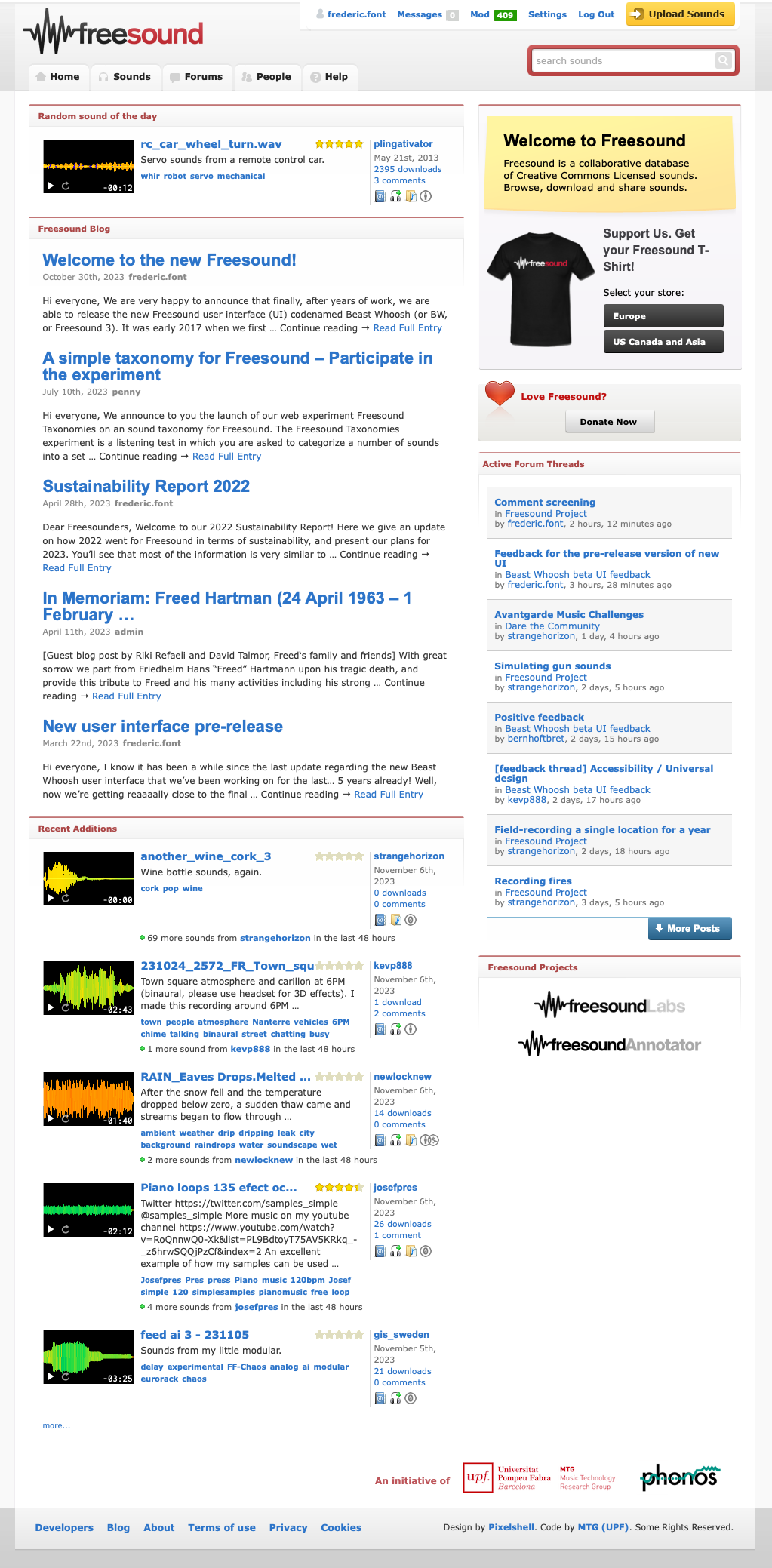
Last year we reported a decreasing tendency of user donations during 2022, which we still understood as an effect of the “get back to normality” effect after the COVID19 lockdowns which resulted in almost a 30% increase in donations. In 2023 this tendency seems to have been continuing, but the final numbers are pretty similar to those of 2022. In 2023, we received 44,100€ from 5,200 individual donations. Nevertheless, after the deployment of the new UI in late October, we started to observe an increased number of donations which we expect to consolidate during 2024, and revert in this way the decreasing tendency. The income from donations has been spent on Freesound maintenance and development efforts. In particular, we put a lot of emphasis on finishing the new user interface, and on significant backend changes related to the search engine which will set a new ground to allow us deploying new search-related features.
Contribution from UPF
Freesound is an initiative of the Music Technology Group, a research group of the Universitat Pompeu Fabra (UPF, Barcelona, Spain). In 2023, the UPF contributed to Freesound similarly to previous years. The UPF has increased the capacity of our Kubernetes cluster, which currently consists of 98GB of memory and 35 CPUs for the Freesound website, with an external server used for serving sound downloads and some static files (which transfers around 2TB of data per day). Together with the infrastructure, the UPF also provides some maintenance and IT support (thanks Javi, Miquel and everyone else!). Furthermore, a big part of the human costs for maintaining the Freesound website and related research activities (i.e. our salaries), are a contribution by UPF. In relation to that, during 2023 we have been able to open yet another PhD position that deals with research topics related to Freesound, increasing our machine listening research team. Read the next section for more information about that.
Contribution from research grants and Freesound-related research at UPF
Research activities related to Freesound have been intensified during 2023. We have been able to partially fund such research through different projects and funding agencies including Ajuntament de Barcelona (SoundLights project, BIT Habitat-La Ciutat Proactiva 9382417), Secretaria d’Universitats i Recerca del Departament de Recerca i Universitats de la Generalitat de Catalunya (Joan Oró program 2023FI-100252), Ministerio de Ciencia, Innovación y Universidades (Maria de Maeztu Strategic Research Program CEX2021-001195-M / Musical AI project PID2019-111403GB-I00), Ministerio de Asuntos Económicos y Transformación Digital (UPF-BMAT Chair on Artificial Intelligence and Music, TSI-100929-2023-1). The research topics in which we’ve been working on mainly include:
- Further support of Essentia, the audio analysis library that powers Freesound sound analysis.
- Research on methods for automatically classifying audio events and development of artificial intelligence models.
- Research on the definition of a sound taxonomy that we expect to start adding to Freesound in 2024. We carried out an evaluation in which many Freesound users participated.
- Research on new strategies for sound similarity.
If you’re interested in learning more about the research that happens around Freesound, not only at the MTG but also around the world, be sure to check the papers section of the Freesound Labs website. You’ll see that in 2023 alone, there were 195 research papers referencing Freesound!
Commercial usage of the Freesound API
Freesound has an API endpoint which allows third parties to develop applications that incorporate Freesound content. Usage of this API is free for non-commercial purposes, while commercial use of the API requires a commercial license. In this way we make sure that commercial applications using Freesound also contribute back to the community. Note that this is independent from the license of the sounds themselves, which need to be respected regardless of the API usage agreement. In 2023 we maintained a similar number of license agreements, maintaining the yearly income around ~6,000€. We spent this money in the same development efforts described in the User donations section above.
Summary and perspectives for 2024
In 2023 we have been able to increase research and development efforts with respect to 2022. The research team has been further consolidated and we have prepared Freesound’s technology backend to accommodate new research outputs. We expect user donations to increase during 2024 as a result of the deployment of the new UI, and we also expect to be able to further increase the research team. In terms of development, we expect to focus our biggest effort on i) further fixes and improvements for the new UI, ii) new features for the search page, and iii) a new feature to allow the creation of collaborative sound collections.
We’d like to finish this post by saying thank you to everyone who contributed to Freesound during 2023: sound uploaders, downloaders, moderators, people who engage in forum discussions and in Github, people who donated, and everyone who is part of the community or is related to Freesound in some way. We’ll let you know how things go next year in the 2024’s sustainability report!
frederic, on behalf of the Freesound Team